
Password Reset
Forgot password is a way to reset/change your password if you cannot access your account.
1. From the login page, click ‘Forgot Password’.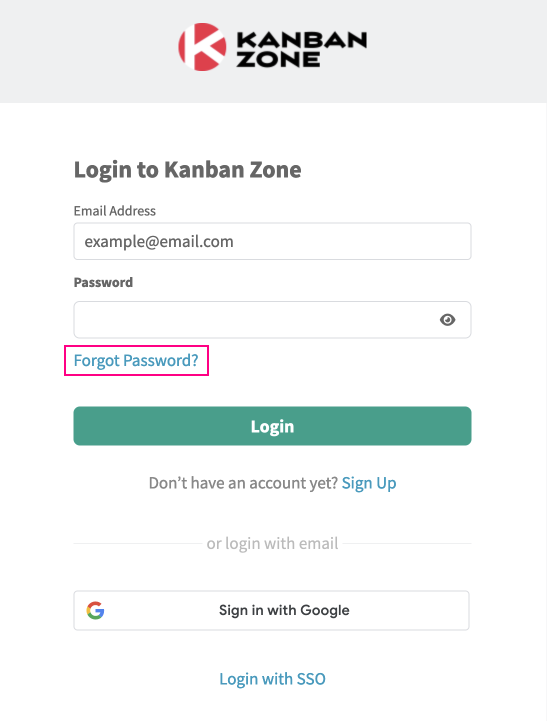
2. Enter your account email address.
3. Click ‘Reset Password’.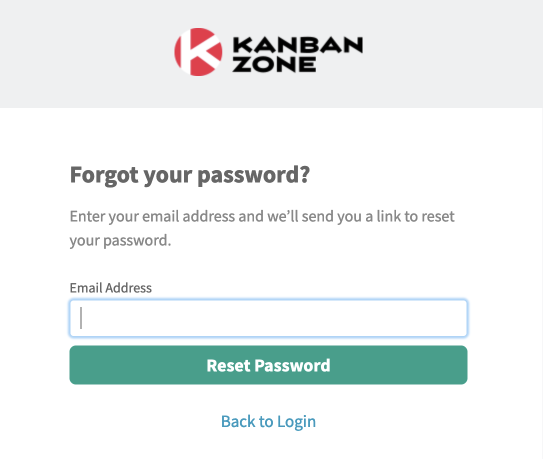
4. An email will be sent to your inbox. Click ‘Reset Password‘.
The link to reset your password expires in 15 minutes, after which time you must request another password reset.
If you do not receive an email, please check your junk/spam folder.
5. Enter a new valid password and click ‘Change Password‘.
Did this answer your question?