
Voting on Cards
Enable
- Click the Board Settings icon at the top/right of your board.
- Click Card Voting from the left side panel.
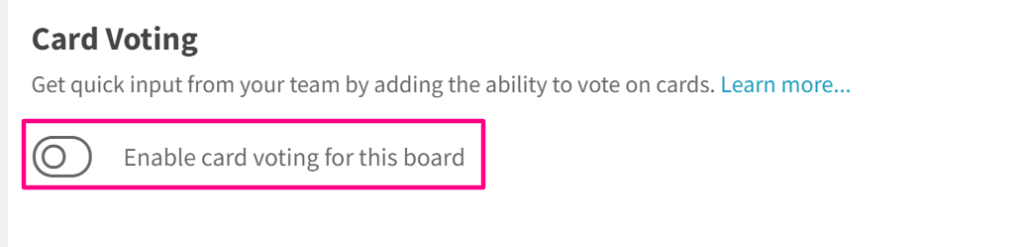
- Click the voting toggle to turn on the voting for the board. Once it’s activated, every user on the board should be able to vote on the cards.
Use
Once the Voting add-on has been enabled for the organization (see above), navigate to the card that you want to vote for and click the voting icon (thumbs-up icon).
Vote on a card
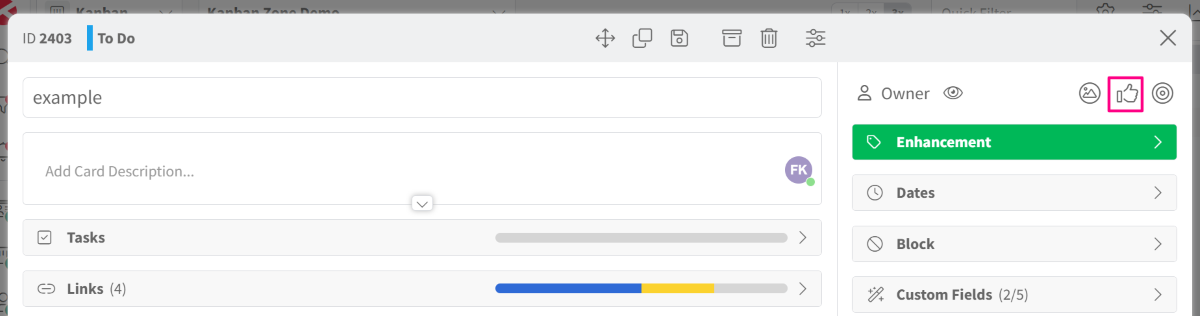
To vote on a card, open the card and click the ‘Vote‘ icon, then click ‘Vote for This Card‘. Only one vote is allowed per member per card.
Remove a vote on a card
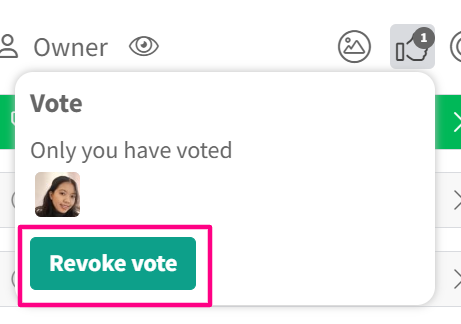
Click the vote icon and click Revoke Vote to remove your vote. You can also see who has voted on the card and how many votes are collected on the card.
Did this answer your question?