
Password Update
For the security of your account at Kanban Zone, we encourage you to update your password regularly.
1. Click on your account avatar in the left navigation. The Account panel will appear.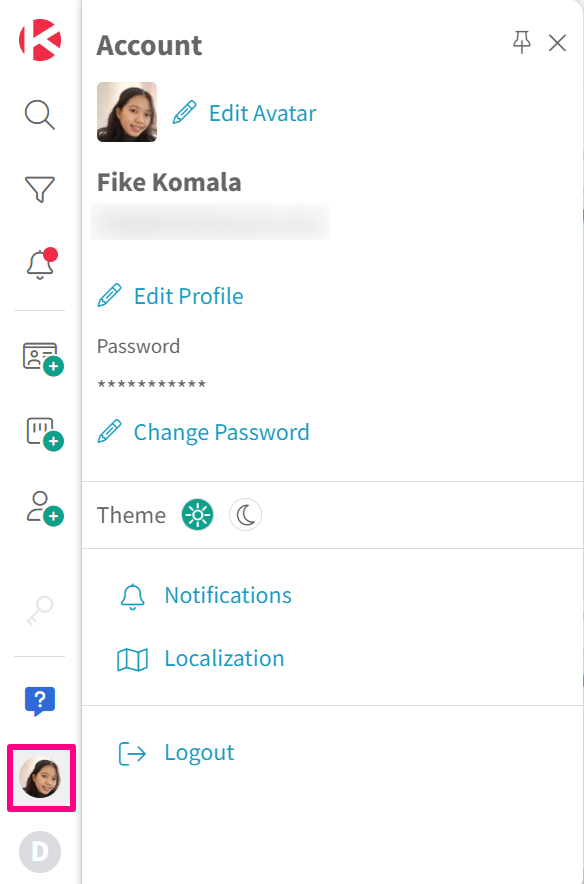
2. Under your password, click Change Password.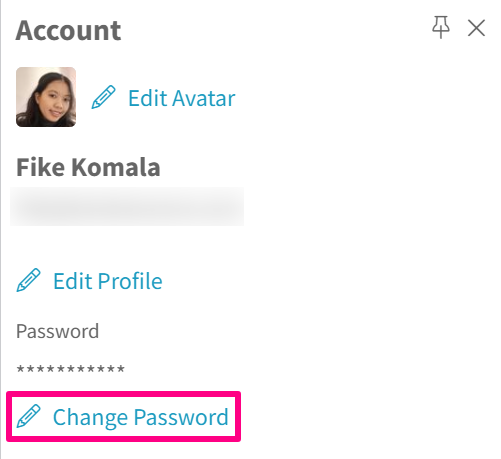
3. Enter the old and new passwords in the given fields.
For your new password to be accepted, it must have a minimum of eight (8) characters and has at least:
- one (1) lowercase character
- one (1) special character
- one (1) uppercase character
- one (1) number
4. Once secure, click the Change Password button to confirm updating your password.
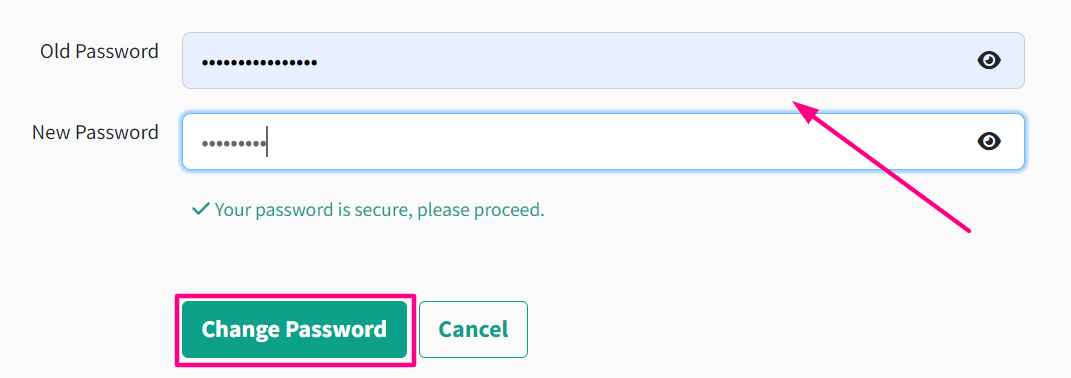
The Change Password button will remain inactive until the password criteria are met. Once the password criteria are met, the button will become active.
Did this answer your question?