
Delete a Board
Access
Click the Board Designer icon at the top/right of the navigation.
Use
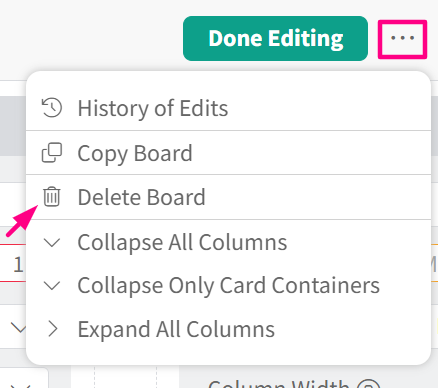
Once in the Board Designer, click the More (three-dots) button on the top right corner, then click “Delete Board”.
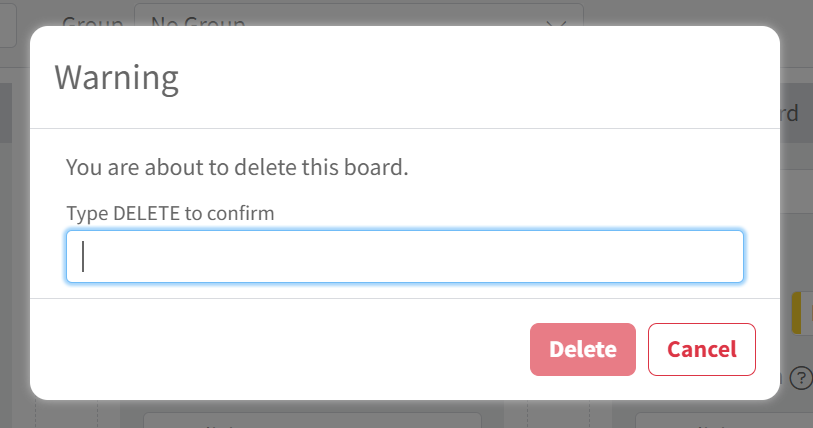
A dialog box will appear. Type DELETE in the text box to confirm the deletion, then click the “Delete” button.
Did this answer your question?